




Managed

Backup

Managed Backup

Protecting critical data is essential to keeping your organisation running. ITHelpDirect provides fully managed backup solutions that keep your files, systems and applications secure and recoverable. Automated backups, encryption and continuous monitoring help protect against hardware failure, accidental deletion, cyberattacks and unexpected disruption.

We manage the complete process, from initial setup and retention policies to monitoring and recovery. If data is lost or a system becomes unavailable, our team can restore your information quickly and minimise downtime—giving you confidence that your essential data remains protected and accessible when needed.

Backup solutions tailored to your organisation

ITHelpDirect provides reliable, fully managed backup solutions for Microsoft 365, onsite servers and cloud environments. With automated backups, secure storage and continuous monitoring, we help keep your data protected and readily recoverable when needed.

Microsoft 365 & SharePoint Backup

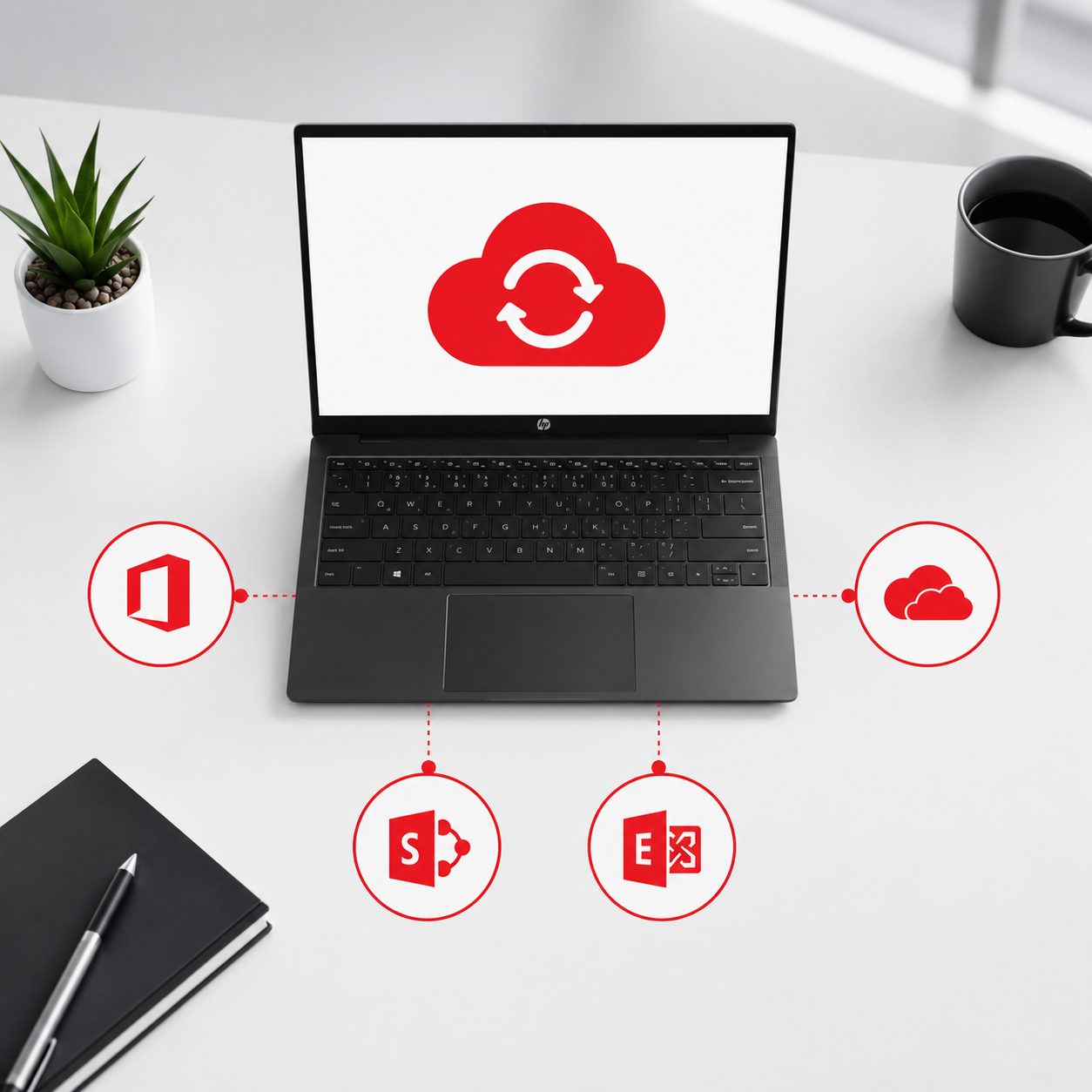
Protect important emails, files and documents across Exchange, OneDrive and SharePoint. Automated backups help ensure your Microsoft 365 data can be quickly recovered following accidental deletion, data corruption or a cyberattack.

Server & Infrastructure Backup

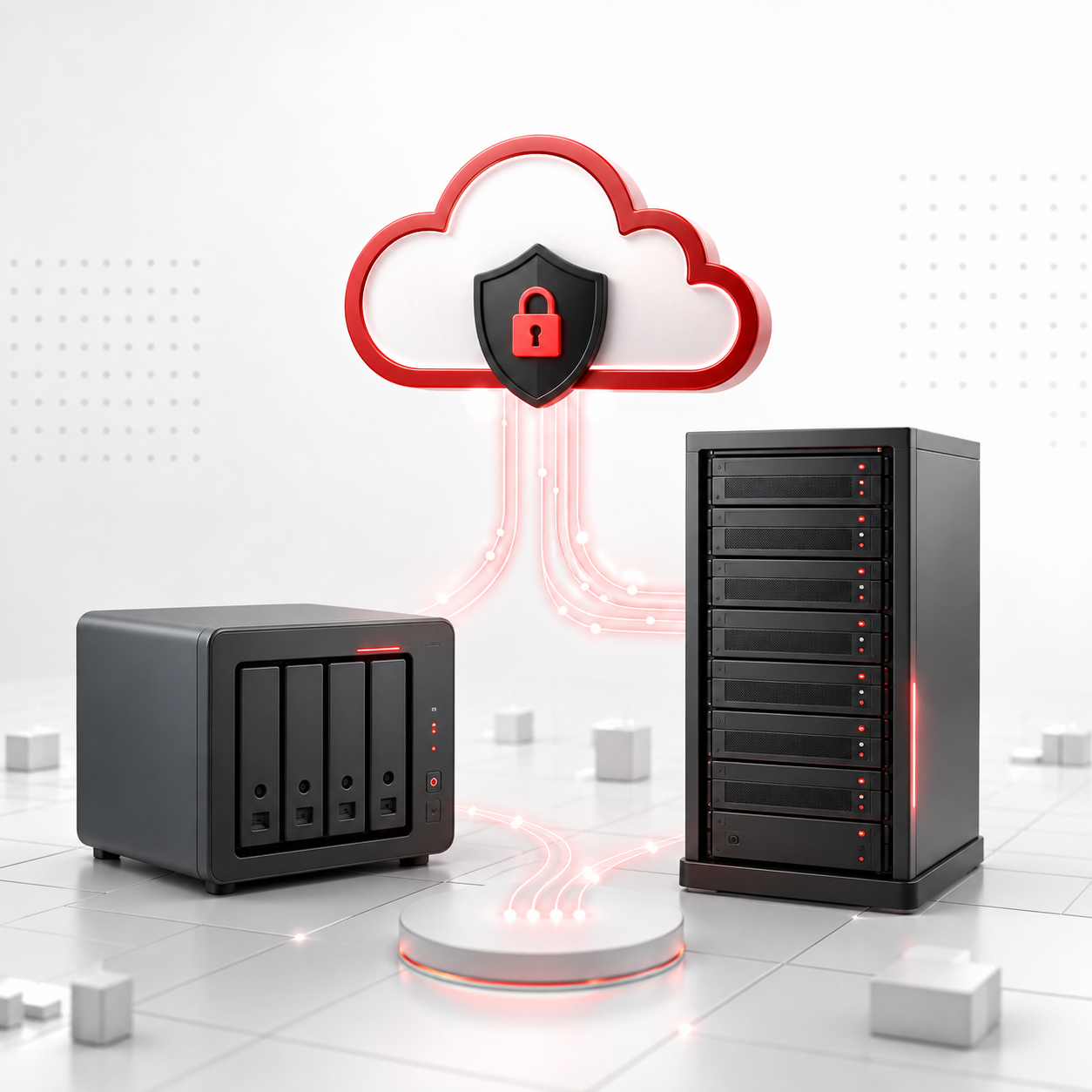
Safeguard physical and virtual servers with secure, automated backups tailored to your environment. Our solutions support full-system restoration and rapid recovery following hardware failure, data corruption or unexpected downtime.

Fully Managed Backup and recovery

From initial setup and scheduling to monitoring and recovery testing, our engineers manage the complete backup process. We help ensure your backups remain secure, up to date and ready to restore whenever they are required.

Free Backup Review

Unsure whether your current backups provide the protection you need? ITHelpDirect offers a free, no-obligation backup review for schools and businesses. We’ll assess your setup, identify potential gaps and recommend practical improvements to strengthen data protection and recovery.

Onsite and Offsite Backup Storage

ITHelpDirect helps you choose local and offsite backup storage around your systems and recovery requirements. Local copies can support everyday restores, while separate offsite copies provide another recovery option if equipment fails or your site becomes unavailable. We review storage locations, capacity, encryption and access permissions, with retention and recovery arrangements agreed for your chosen backup service.

Virtual Machine and Server Backup

ITHelpDirect helps configure and manage backups for supported physical servers and virtual machines, including Hyper-V and VMware environments. We review your server roles, applications and backup software to agree what is covered, how often backups run and how long recovery copies are retained.

Recovery options may include individual files, complete virtual machines or full-system restoration, depending on the platform and backup product. We check recovery destinations and compatibility, and carry out agreed restore tests to help your team prepare for hardware failure, data loss or other disruption.

Microsoft 365 and Google Workspace Backup

ITHelpDirect helps schools and businesses back up supported Microsoft 365 and Google Workspace data, including Exchange Online mailboxes, SharePoint and OneDrive files, Gmail and Google Drive. We review any Teams backup requirements against the chosen product, so you know which data is covered and how it can be restored.

We configure backup schedules and retention around your requirements, with monitoring to identify failed or incomplete jobs and planned restore tests. Recovery options can include individual emails and files or larger restores, depending on the service and backup product. Storage locations, recovery priorities and support arrangements are agreed as part of your setup.

Disaster Recovery and Business Continuity

Backing up your data is only part of being prepared. We create tailored disaster recovery and business continuity plans to help your organisation keep operating during disruption and recover quickly afterwards. By documenting recovery procedures, testing restoration processes and planning for different scenarios, we minimise downtime and make sure your team knows exactly what to do.

comprehensive

Comprehensive Recovery Planning

We create practical recovery plans covering your critical systems, data, people and day-to-day operations.

rapid system

Rapid System Restoration

If data loss or disruption occurs, we restore essential systems securely and efficiently to minimise downtime.

ongoing

Ongoing Continuity Testing

We regularly test and review your recovery processes, helping ensure your organisation remains prepared for unexpected incidents.


Data Protection and Compliance

ITHelpDirect helps protect backup data through encryption, controlled administrator access and suitable retention settings. We review how your chosen backup service stores and handles information, including storage locations and available supplier certifications. These technical controls support your organisation’s data protection responsibilities, with the setup reviewed against your requirements and the capabilities of the backup platform.

Continuous Monitoring and Management

ITHelpDirect monitors backup jobs and reviews automated alerts to identify failed, missed or incomplete backups. Our engineers investigate issues, review available recovery points and carry out agreed integrity checks and restore tests. Clear reporting helps you understand backup status and any action needed. Automated monitoring can run around the clock, with engineer response times and recovery assistance defined by your support agreement.

Ransomware Protection and Immutable Backups

Ransomware can target backup copies as well as live systems. ITHelpDirect helps review backup access controls, retention and storage arrangements, including immutable storage where supported. Immutability can prevent protected copies from being changed or deleted for a defined period, with settings matched to the chosen backup product.

We review available recovery points and carry out agreed restore tests. Following an incident, we help assess backups for signs of corruption or compromise and plan restoration alongside the work to secure affected systems. Recovery priorities and the approach are agreed around your organisation’s requirements and the capabilities of your backup platform.