
school systems
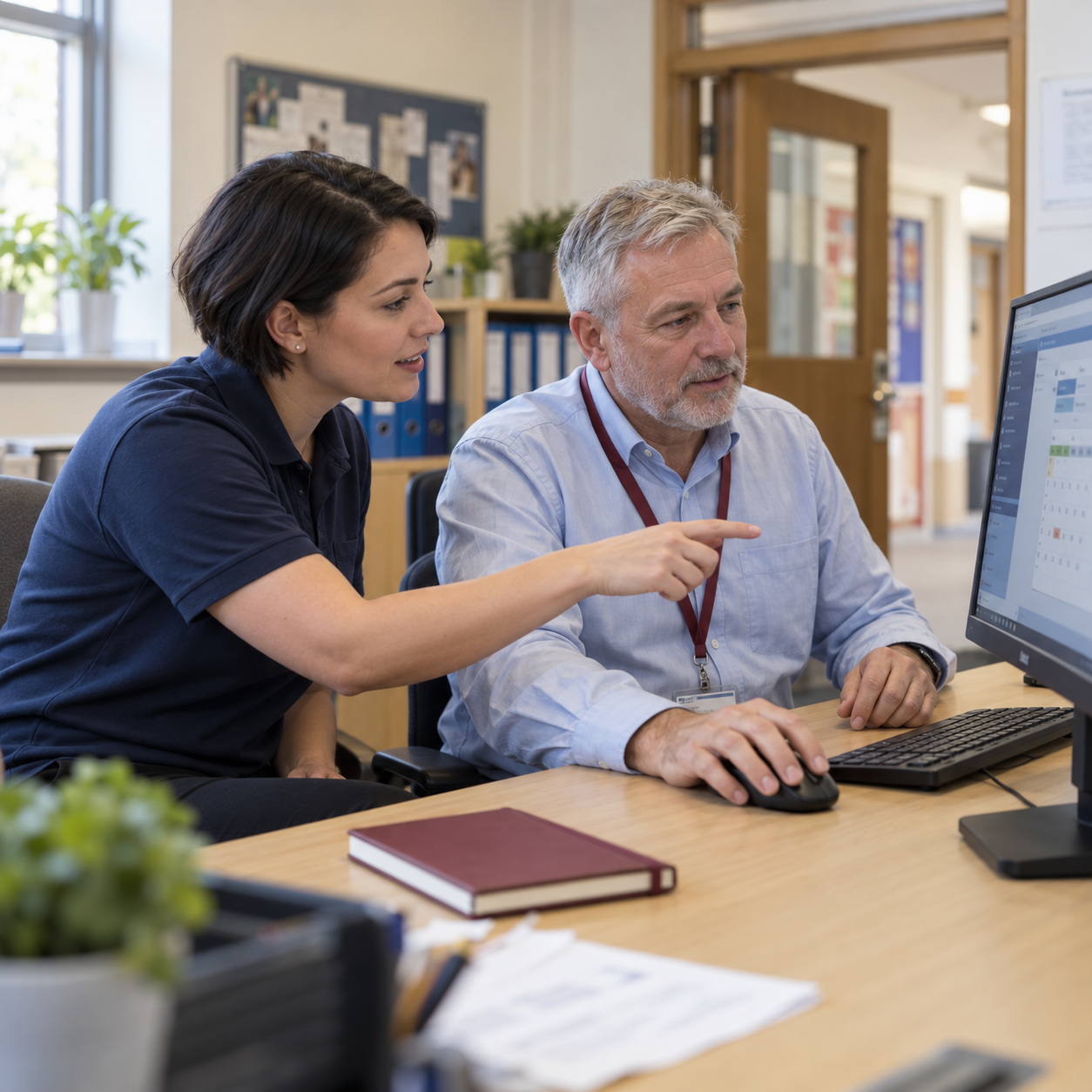
Support For Your School Systems
Your school relies on a range of systems for administration, finance, classroom management and safeguarding. Staff need reliable access, suitable permissions and connections that work with the rest of your IT setup.
ITHelpDirect helps schools and trusts with the technical setup and support of their school platforms. From SIMS and FMS infrastructure to supported Arbor integrations, we help investigate access problems, check connections and coordinate technical changes. Where an issue needs specialist input, we work with your software supplier to help move it forward.
- SIMS And FMS Infrastructure Support
- Arbor Integrations And System Connections
- Technical Troubleshooting And Supplier Liaison
Keep Your School Systems Connected
New staff, account changes and updates to connected software can all affect access to school systems. We help investigate RM Unify sign-in problems, review account settings and check supported connections between Arbor and the applications your school uses.
Where information is not updating or an application is unavailable, our team helps trace the issue and coordinate with the relevant supplier. We plan configuration changes around your school’s routines, check access with authorised staff and provide practical guidance on any new sign-in steps.
- RM Unify Sign-In And Account Support
- Supported Integrations And Connection Checks
- Planned Changes, Testing And Staff Guidance
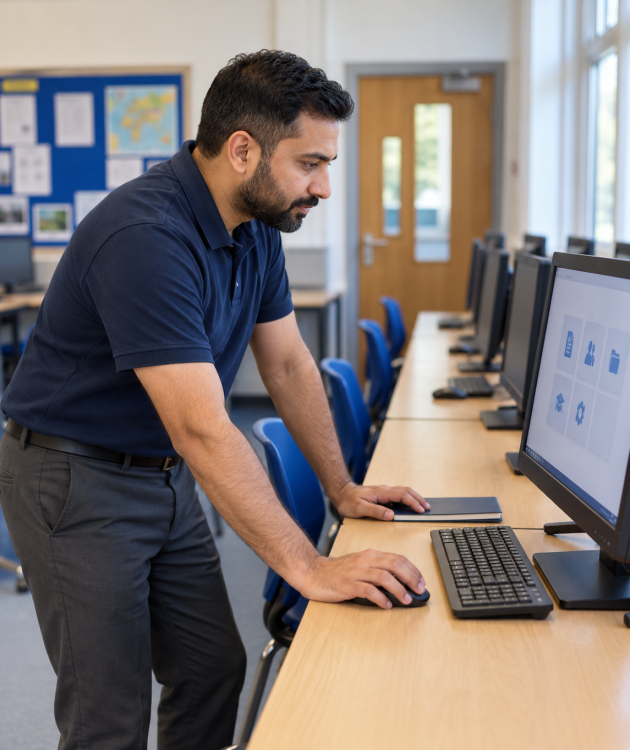
Support For Everyday School Tools
From web filtering and classroom tools to access to safeguarding systems, we provide practical technical support around your school’s requirements, approved settings and existing licences.

Netsweeper Filtering Support
We help configure Netsweeper around your school’s agreed filtering policy, review settings for users and devices and investigate websites being blocked or allowed unexpectedly. Where issues involve your filtering provider or network setup, we help coordinate troubleshooting and check that agreed changes work as intended.
Senso Setup And Support
We help deploy and configure Senso on supported devices, organise groups and staff access, and investigate devices that are not appearing or connecting as expected. Our support follows the classroom and monitoring features included in your subscription, with practical guidance for authorised staff.
CPOMS Technical Access Support
We help authorised staff resolve technical problems accessing CPOMS, including sign-in, browser and connectivity issues. Where specialist assistance is needed, we liaise with CPOMS support. Access permissions follow your school’s instructions, while safeguarding decisions and the handling of individual cases remain with your designated staff.
RM CC3 And CC4 Migration Support
Moving from an RM Community Connect 3 or 4 network starts with understanding what your school relies on. We help review user accounts, shared files, applications and links to services such as RM Unify, then plan a suitable replacement around your equipment and requirements.
Our team helps organise the migration in manageable stages, including backup checks, testing and agreed changeover arrangements. We coordinate with relevant suppliers and check that staff can access the files and applications they need, with practical guidance for the new setup.
Need Help With Your School Systems?
Tell us which systems your school or trust uses and what you’d like to improve. We’ll help you review access problems, supported integrations or plans to replace an older setup, with practical advice and technical support built around your school.