
servers & Virtualisation
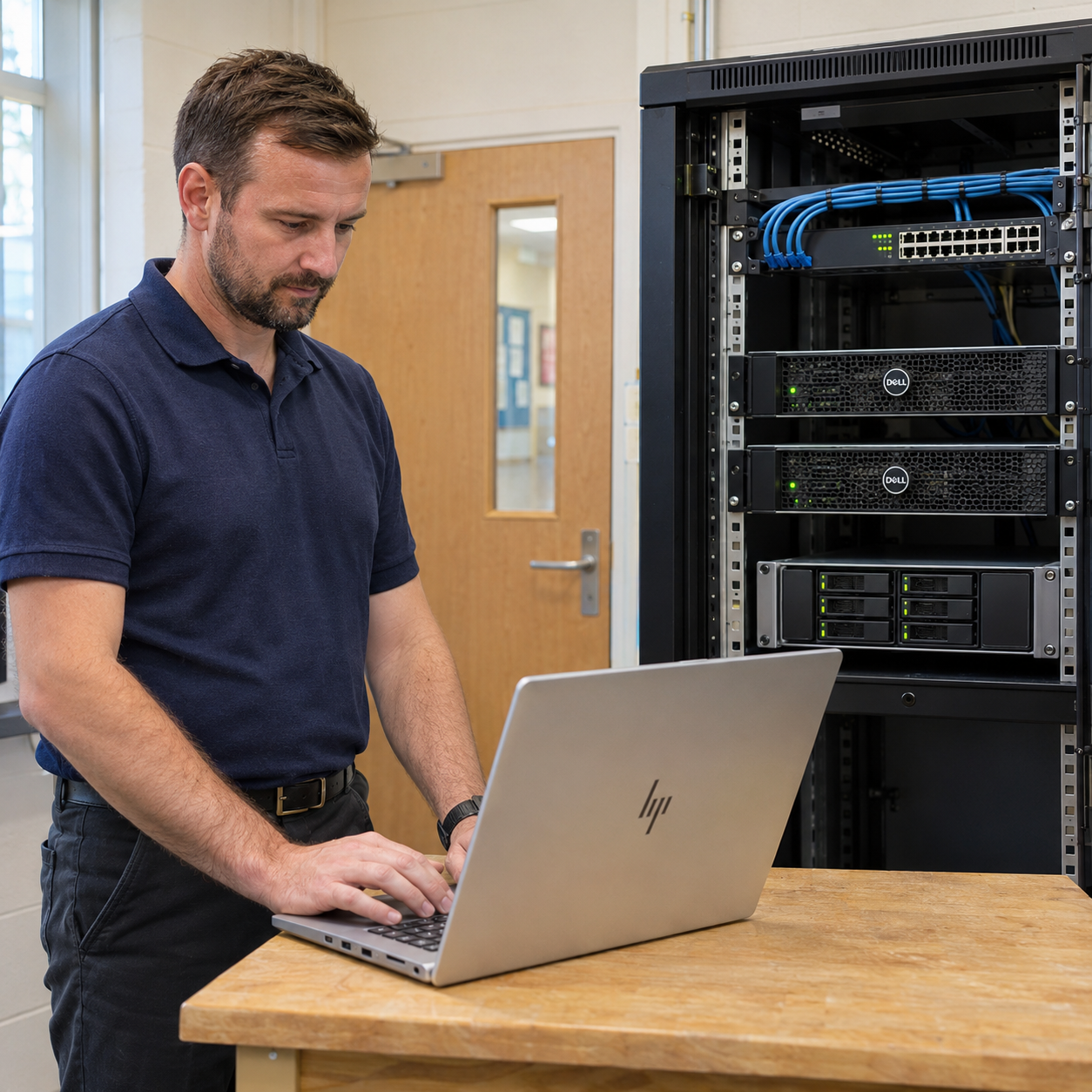
Server Support Made Simple
Your servers support the files, applications and network services your team uses every day. Virtualisation allows several separate server environments to run on suitable hardware, helping you organise resources around your school or business.
ITHelpDirect helps schools and businesses plan, configure and support Windows Server and Hyper-V environments. From on-site Active Directory and shared files to network-attached storage (NAS), we review your equipment, applications and licences and help build a manageable setup around your organisation’s requirements.
- Windows Server And On-Site Active Directory
- Hyper-V Setup And Virtual Machine Support
- Shared Files, Permissions And NAS Storage
Plan Your Server Upgrade
Replacing a server or moving applications starts with understanding how your existing setup works. We review server roles, storage, performance and the systems that depend on them, helping you plan suitable hardware, virtual machines and migration steps.
ITHelpDirect helps organise upgrades and migrations in manageable stages, with backup checks, testing and agreed changeover arrangements. We check shared files, permissions and application access, coordinate with software suppliers where needed and provide practical support as your team settles into the updated setup.
- Server Assessments And Upgrade Planning
- Physical And Virtual Server Migrations
- Backup Checks, Testing And Changeover Support
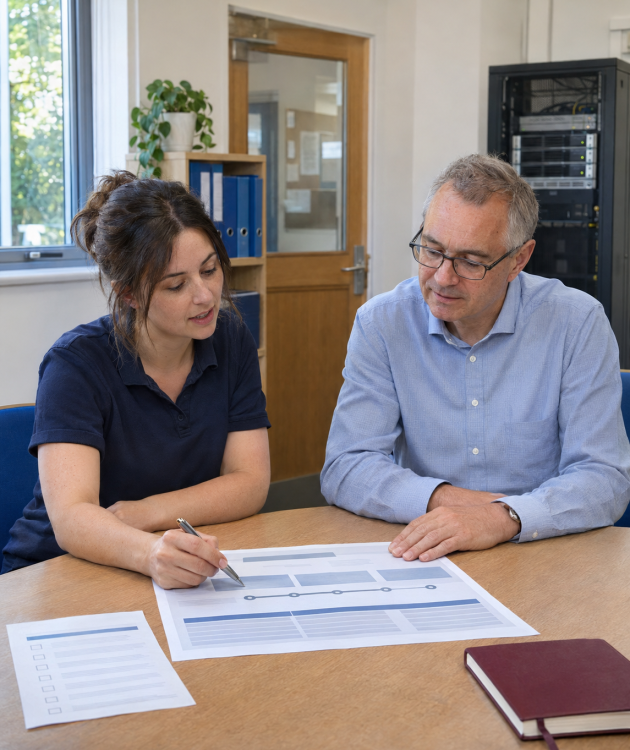
Keep Your Servers Running Smoothly
Your server environment needs attention as users, applications and storage requirements change. We help review core services, virtual machines and shared storage, with practical support to keep your setup suited to your school or business.

Accounts And Network Services
Manage the services behind everyday network access. We help with on-site Active Directory, domain controllers, Group Policy, DNS and DHCP, reviewing settings and investigating problems with sign-ins, computer configuration or connections to network resources.
Hyper-V And Virtual Machines
Keep virtual servers matched to the applications they support. We help configure Hyper-V hosts and virtual machines, review processor, memory and storage allocation, and investigate performance or connectivity issues. Changes are planned around your workloads and the capacity of your physical hardware.
Shared Files And NAS Storage
Give authorised staff access to the files they need. We help configure shared folders and permissions on supported file servers and NAS devices, review storage capacity and investigate access problems. We also review how your shared storage fits with your backup and recovery arrangements.
Need Help With Your Servers?
Tell us about your current servers, shared storage and the systems your team relies on. Whether you need help with an existing setup or are planning an upgrade, we’ll help you review your options and agree practical next steps for your school or business.