print management

Printing That Works For Your Team

Shared printing should be straightforward for staff and manageable for your IT team. Clear permissions and useful reporting help you understand how printers are being used and organise access around your school or business.

ITHelpDirect helps configure and support PaperCut and your existing print environment. We review your devices, user accounts and licences, then help set up suitable controls, investigate access problems and support everyday administration, using the features available in your setup.

Simpler Printing And Scanning

Printing and scanning should be straightforward for your staff. Shared printers, print queues and scan destinations need to work with the devices and accounts your team uses, helping everyday jobs run smoothly without unnecessary errors or delays.

ITHelpDirect helps schools and businesses configure and support their printing and scanning systems, including PaperCut print management. From setting up queues and drivers to reviewing user permissions and troubleshooting scanning problems, we help make your existing setup easier to use and manage.

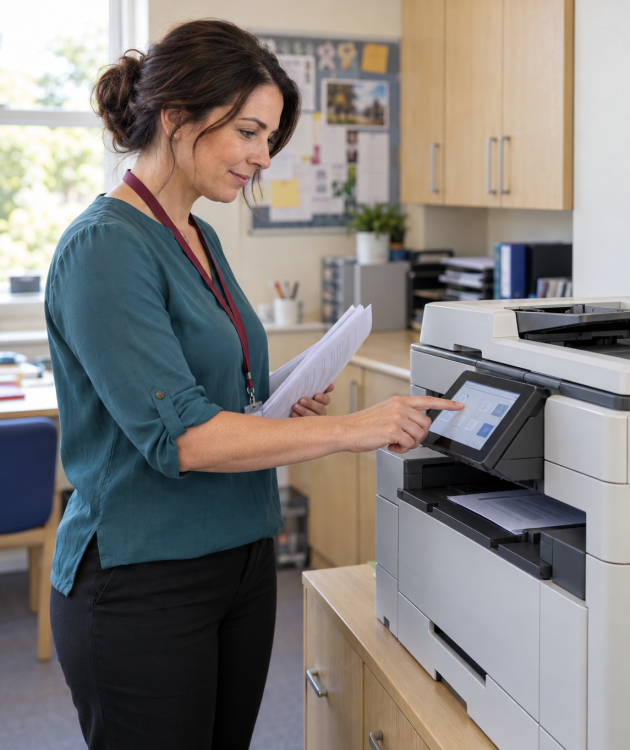
simpler print

More Control Over Your Printing

Manage print access, understand usage and apply suitable printing rules with PaperCut controls matched to your team, equipment and licences.

Permissions And Usage Reports

We help configure printing permissions and usage reports, giving you a clearer view of who is printing and how your shared printers are being used.

Colour Printing And Restrictions

We help configure colour-printing permissions and suitable restrictions, based on your organisation’s requirements and the options available in your PaperCut setup.

Secure Print Release

On supported systems, hold print jobs until users sign in to release them at the printer. We check device and licence compatibility and help staff understand the release process.

Ready To Simplify Printing And Scanning?

Tell us about your current setup and the issues your team is facing. We’ll help you review print queues, scanning settings and PaperCut controls, with practical advice on configuration, permissions and ongoing support for your school or business.